
What is EXIF Data? The Invisible Notebook Inside Every Photo You Capture
You are scrolling through your photo library from an old trip and find a shot you like. You want to recreate the look for a new project, but you do not remember the lens, focal length, or exposure settings you used.
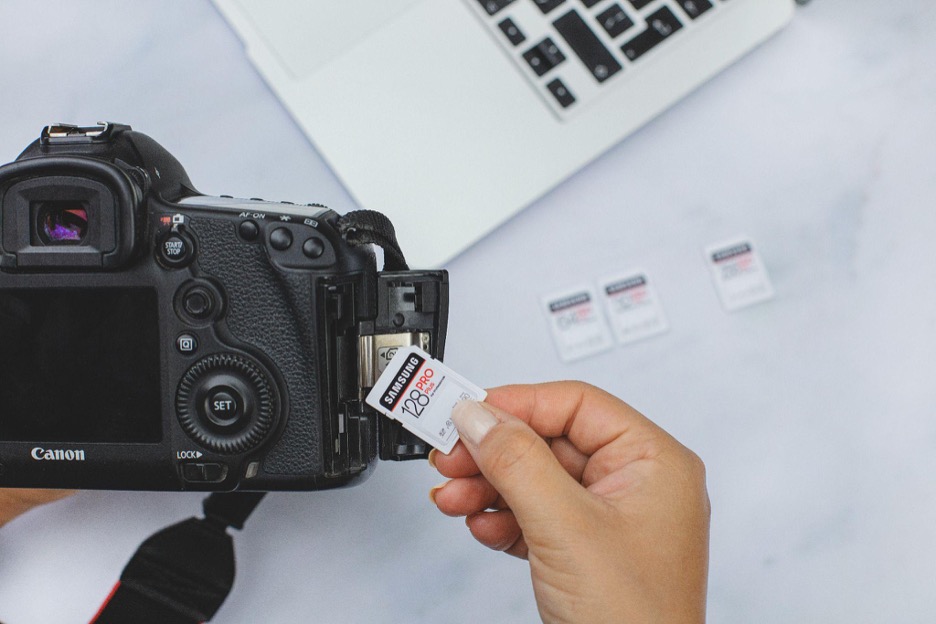
In the film era, recovering this information meant relying on a handwritten notebook. With digital photography, the settings are recorded inside the image file itself, and you can read them back with a right-click on the desktop or a swipe-up on a phone.
This embedded record is called EXIF data. It is useful for photographers who want to learn from their own work, and for anyone who wants to understand what information is being shared along with a photo.
What is EXIF?
EXIF stands for Exchangeable Image File Format. The standard was first published in 1996 by the Japan Electronic Industries Development Association (JEIDA) and is now maintained by the Camera & Imaging Products Association (CIPA).
Every time you take a photo, the camera writes a block of technical information into the image file itself. It is embedded in the file header alongside the pixel data, not stored as a separate sidecar. This happens automatically at the moment of capture.
What Is In a Photo's Metadata
A modern high-end camera or flagship smartphone can write more than 100 distinct fields into a single image. The fields fall into a few broad categories.
1. Exposure and camera settings
The most commonly read fields, useful for reviewing or recreating a shot.
- Aperture (F-stop) - How wide did the lens open?
- Shutter Speed - How long was the exposure?
- ISO Sensitivity - How sensitive was the sensor to light?
- Focal Length - How zoomed in was the position of the lens?
- Metering Mode - How did the camera measure the light in the scene?
- Flash Status - Whether the flash fired, and sometimes the flash intensity.
2. Hardware identity
Fields that describe the device and gear used.
- Camera make and model (for example, "Canon EOS R5" or "Apple iPhone 15 Pro").
- Lens model, with the specific designation (for example, "RF 24-105mm f/4L IS USM").
- Camera or sensor serial number. Not all devices expose this, and many store it inside the manufacturer-specific MakerNotes block.
- Firmware version at the time of capture.
3. When and where
The fields with the most privacy relevance.
- Date and time - The exact moment the photo was taken, usually including a subsecond value.
- GPS coordinates - Latitude, longitude, and sometimes altitude.
- Direction - Many phones record the compass heading the camera was pointing at the time of capture (GPSImgDirection).
Why Are Cameras Recording All This?
EXIF was originally practical: photographers wanted a way to review the settings of their own work, and professional fields that rely on photography (archaeology, field biology, journalism) needed an accurate record of how and when images were captured.
Today, EXIF is a core part of library management. Software like Adobe Lightroom and Capture One uses it to filter thousands of images by lens, focal length, date, or location. On the forensic side, EXIF is often the first place to look when building a timeline around an image or checking whether a story it is attached to is consistent with when and where it was captured.
The Privacy Angle
EXIF is useful, but the same fields that help with organization can reveal more than intended when files are shared broadly. A photo posted to a forum or sent by email may carry GPS coordinates that reveal a home or workplace, and (if the camera exposes a serial number) may link together photos posted under different identities.
Major social media platforms (Instagram, Facebook, X, Threads) strip EXIF data from the public copy at upload. Email, cloud storage links like Google Drive and Dropbox, direct uploads to personal blogs, and messaging apps used in "document" mode typically do not. If you send a high-resolution file directly, the metadata usually goes with it.
How Do You View and Manage Your EXIF Metadata
Modern devices are highly capable and can be used to view metadata directly. While they won't show you everything, you can glean a lot of basic but useful information from what they provide.
Smartphones (iOS and Android)
On iPhone, open a photo in the Photos app and tap the "i" icon or swipe up. You'll see the map, camera settings, file size, and more.
On Android, open Google Photos, tap a picture, and swipe up. It will show you similar information and the location on a map.
On a Desktop (Windows and Mac)
On Windows, right-click an image file, click on Properties, then Details. You will see a long list of metadata here.
On Mac, right-click an image and click on Get Info. Alternatively, you can open the image in Preview and press Cmd+I.

Easy-to-Miss EXIF Fields
A few EXIF fields trip up even experienced users:
- Many cameras embed tiny thumbnails of the original image in the EXIF data. If you share a cropped photo that hides something embarrassing, the recipient could extract the uncropped thumbnail from metadata.
- Cameras record how many times the shutter has fired. You can use this number, which is in the metadata, to figure out whether a used camera is worth the asking price or nearing the end of its life.
- If you edited a photo in Photoshop or other software, the EXIF (in the XMP section) might record your process and workflow, including the chronology and even the software version you had.
Know What's In Your Files, Strip Before Sharing
EXIF is the standardized technical record embedded in image files. It is useful for recreating shots, managing libraries, and verifying when and where an image was taken. It is also the reason photos can leak more information than their pixels alone suggest. Knowing what is in the files you share, and using simple tools to strip what you do not want to disclose, is the practical middle ground.