
Video Metadata Explained: The Hidden Data Layer You're Almost Certainly Sharing
Run ExifTool on an unedited video straight from your phone. The output usually covers more than just codec and resolution: camera model, lens info, GPS coordinates sampled during the recording, gyroscope data, audio channel layout, color space mastering information, and multiple timestamps.
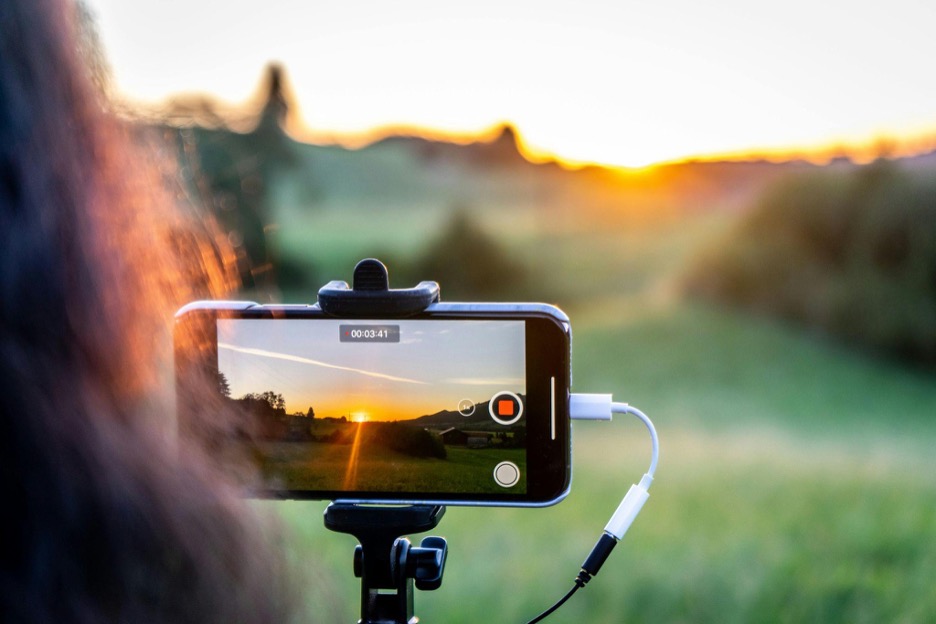
Most people who have developed habits around photo metadata do not apply the same thinking to video, even though videos carry everything a photo carries and often more. Public discussion of metadata privacy has focused on photos, and video awareness has lagged behind.
A GPS Track, Not a Single Point
A photograph captures one GPS coordinate at the time of capture. That's already a meaningful exposure, which is why geotagging has attracted so much attention from users and regulators.
A video records GPS continuously, showing the path taken while filming. If you run ExifTool on a two-minute clip from a walk, you can find GPS coordinates and plot them on a map to reconstruct the path taken.
It can even be matched to when you slowed down, stopped, and even what direction you were facing. The timestamps show your pace, and from a few minutes of video, a path can be reverse-engineered with the accuracy of a fitness tracker.
This distinction between a single point and multiple coordinates is fundamental but rarely discussed in privacy discussions.
What Videos Record Beyond Resolution and Codec
The obvious fields are resolution, frame rate, and codec. However, the most interesting data sits right below those. It includes:
Motion Sensor Data
Modern iPhones come equipped with an accelerometer and a gyroscope. Their readings are captured via Apple's Core Motion framework. It is this data that powers video stabilization and enables spatial video features on Vision Pro.
It is worth noting that it does not embed raw sensor streams directly into the exported MP4 files, the way dedicated formats like Google's Camera Motion Metadata (CAMM) do.
However, the stabilization metadata and motion vectors from the sensors frequently travel with the file. In certain recording modes, particularly newer iPhones, motion data is included as QuickTime container metadata.
The file can therefore carry evidence of how the camera moved through space during recording, not just where it was
This matters for privacy because gait fingerprinting using smartphone IMU (accelerometer and gyroscope) data is a published research area. Studies have shown motion-based gait recognition can identify individuals at useful accuracy rates. If a video carries raw motion data, it could in principle serve as a biometric identifier.
HDR and Color Science Data
Video shot in Dolby Vision or HDR10 carriers mastering display color information, content light labels, and transfer function specs.
This is technical data for calibrating displays, but it can also be a signature of the recording device's capabilities and persists in most file transfers.
Timestamps
A video carries multiple timestamps. There are some at the file, edit, and individual-track level.
They do not always agree with each other, but were you to copy a video recorded at 3 PM into a computer by 7 PM and edit it at midnight, it can carry all those timestamps, telling a story of every device it has been through.
The Problem with Containers
Finding where metadata is stored depends entirely on the container format used. These containers differ widely in the following key ways.
MP4 and MOV
These are the formats your phone produces. They are the most well-understood and widely used formats. They both rely on a hierarchical structure of atoms (that's what Apple calls them; the ISO standard calls them boxes)
GPS coordinates live in the -xyz atom. Creation time, device type, model, and recording software are found in the udta and mdta atoms. The structure is well documented, and ExifTool, FFprobe, and MediaInfo can all read it reliably.
MKV
This is a different world entirely. The Matroska container uses EBML (a binary XML format), to which metadata can be attached globally, per-track, or to specific time ranges within the file.
Two MKV files from different versions of the same screen recording can have completely different metadata structures. You have to inspect each file individually for what it contains.
AVI
This is an old format that appears occasionally, especially in legacy archival digital media and surveillance footage. Its RIFF-based structure supports only primitive metadata: title, artist, creation date, and comments.
There is not much else to see, but these technical limitations accidentally make AVI the most private container.
The Project Name in Your Export
When you edit and export, you add layers of data. It is here that corporate information security incidents happen.
Adobe Premiere Pro will write the project name, sequence settings, and export presets into XMP metadata by default. Final Cut Pro embeds timeline roles, clip keywords, and editor notes. DaVinci Resolve will add color science version and timeline settings.
Even FFmpeg, the command-line engine behind most other tools, adds the encoder tag by default (it identifies the exact version used).
A forensic examiner can read layered encoder and software tags in an exported video file and sometimes reconstruct the processing history of the clip. None of this is malicious on the software's part; it is designed to maintain a chain of custody for content. The problem is that most people working with video do not realize the chain is there to be read.
How Platforms Handle Video Uploads
Instagram, TikTok, X, and YouTube all re-encode uploaded videos through their own pipelines, which include removing geotags.
- TikTok and Instagram are similar, but Direct Message transfers differ, based on how QuickTime container metadata survives in some video formats. DM pipelines apply less processing than public post pipelines, meaning some metadata can survive.
- YouTube is worth singling out. It strips embedded technical metadata from the video file but maintains its own extensive layer, whether you provide it or it is derived.
- Signal strips metadata deliberately and reliably, and as part of its privacy policy. It is the only major messaging platform where this is a core part of the architecture instead of a side effect of compression.
- WhatsApp's mechanism is worth understanding. When you send a video as a regular message, WhatsApp re-encodes it, destroying most metadata. If you send the same file as a document to preserve quality, it will leave everything intact.
- Telegram has the same split behavior as WhatsApp. You can send a compressed or intact version.
- Email, cloud storage links, and direct file sharing deserve special emphasis as they fall outside of the discussion we've had so far. An MP4 attached to a Gmail, shared via a Dropbox link, or uploaded to Google Drive with sharing enabled is transmitted as the original file.
As such, these pipelines are a common real-world vector for metadata exposure.
Stripping Video Metadata Before Sharing
A five-minute video recorded while walking home can contain the exact route taken, the walking pace, the time of day, the phone model, and the direction the camera was facing. If you have already built a metadata workflow for photos, extending it to video is not difficult.
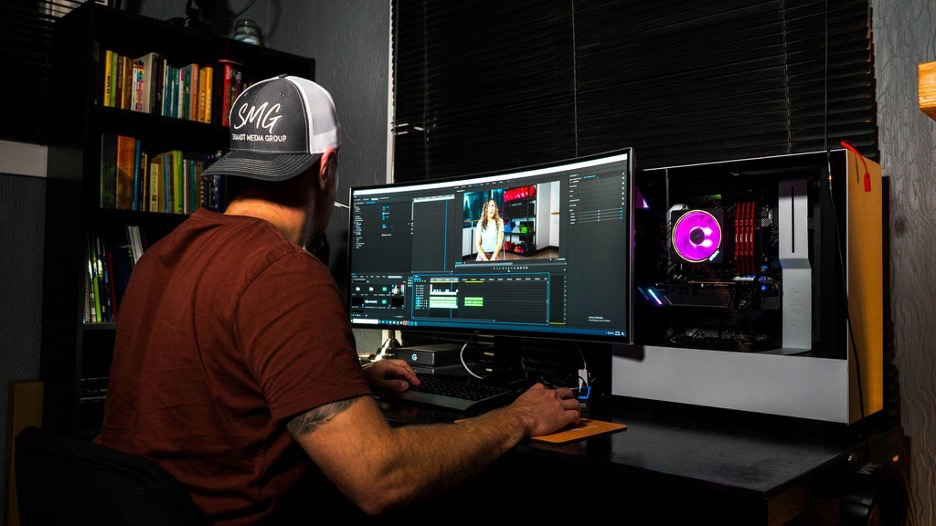
The toolkit for handling videos is the same as for photos. If you have already built a metadata workflow, extending it to video is not challenging.
- ExifTool handles video containers with the same command structure as images. You can dump all metadata, group the output, and selectively remove fields.
- FFprobe (part of the FFmpeg suite) provides a machine-readable view that is useful for understanding container structure and track-level metadata.
- Browser-based viewers such as EXIF Viewer work for quick inspection of common formats.
To strip metadata before sharing, the simplest option is to remux the video with FFmpeg and explicitly drop metadata (ffmpeg -i input.mp4 -map_metadata -1 -c copy output.mp4). This copies the audio and video streams without re-encoding, so there is no quality loss.
Metadata Gets Richer Every Year
New hardware brings new categories of metadata: computational photography tags, scene classification, spatial geometry, disparity maps, light-level mastering, and depth maps. The data exists because it improves playback, editing, and downstream processing, but it also means each new device generation carries more information in every file.
Awareness of photo EXIF has grown over the past decade. Video metadata awareness has not kept pace, even though videos typically expose more than photos do.