
How Professional Photographers Actually Use Metadata (It's Not Just Camera Settings)
Consider a common scenario. You are a wedding photographer. Three years after a shoot, the father of the bride calls and asks for a specific photo. Your archive holds 400,000 images. Without good metadata, that search is a long scroll through thumbnails. With good metadata, you type two search terms and the image appears in seconds. That difference is the practical argument for taking metadata seriously.
Metadata Is More Than Camera Settings
Many photographers hear "metadata" and think only of aperture, shutter speed, and ISO. That camera-written EXIF data is useful for reviewing your own settings, but it is only a small part of what is actually stored in a file. The metadata that makes a photo archive searchable and legally defensible is the kind you add yourself in IPTC and XMP fields.
IPTC Keywords: The Foundation
A lot of photographers rely on deep folder structures for organization. Folders work up to a point, but they break down once the library passes around 100,000 images, because any given photo only lives in one place. IPTC keywords solve this by tagging each image with searchable terms stored inside the file. Common keyword categories include client name, event type, location, subject, and season.
The main pitfall is inconsistency. "Chicago" and "chicago" are different tags. "B&W", "black-and-white", and "monochrome" will scatter results across three buckets. Pick one spelling per concept and stick to it.
Keyword systems work best with a controlled vocabulary that you maintain in a separate document and reuse across shoots.
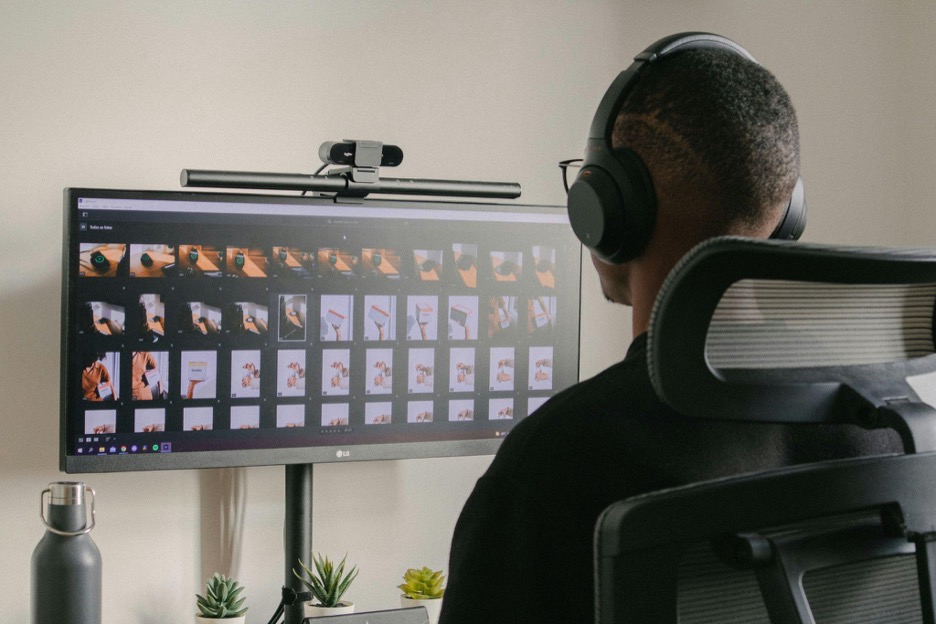
Keywording Strategy
A keywording system that works at scale usually operates in three tiers, and the key thing to remember is which tier not to obsess over.
Tier One
This is the fast, mindless tier where you enter the event type, client name, year, and other basic details. You can apply this in a single batch to every photo from the event in the time it takes to sugar your coffee.
Tier Two
Now comes the culling pass, where you scan through everything while it is still fresh in your mind. You group by stages (entrance, main ceremony, reception, etc.), flag detail shots, note specific locations within a venue, and so on. This takes a few minutes but compounds beautifully over the years. It allows you to find specifics within a large batch.
Tier Three
This is selective, detailed tagging. The 200 or so images out of 2,000 that a client might plausibly request again get specific descriptors. The rest stay at tier one or two tags. Tagging every single frame at this level is rarely worth the time.
Copyright Metadata
Embedded copyright metadata does not physically prevent anyone from using your photo without permission. Its value is as evidence after the fact. If an image is used without a license, the embedded copyright, creator, and contact fields demonstrate that ownership information was attached to the file.
In the US, section 1202 of the DMCA specifically addresses the removal or alteration of copyright management information (CMI), which includes metadata fields identifying the rights holder. Stripping this data can itself create a separate cause of action.
At a minimum, every delivered image should have the creator name, copyright notice, contact information, and usage terms filled in the IPTC fields.
Metadata Presets
Lightroom and most other cataloguing software let you create import presets that automatically apply metadata as soon as a file is ingested. Once configured, every imported image arrives with a copyright notice, contact details, and baseline keywords already in place. It is a one-time setup that saves a lot of manual work per shoot.

Your Ratings Are Metadata Too
Those star ratings and color labels in Lightroom are metadata too. They are written into the file just like aperture and focal length, so they travel with the file. As such, they can survive software updates, exports, and archive migrations.
Most photographers use them in a scale like this:
- 1 star: Technical pass
- 2 stars: Client deliverable
- 3 stars: Portfolio candidate
- 4 stars: Best of the year
- 5 stars: Career-defining shots
You may also be using color labels, in addition to stars. The important thing isn't to have the system but to use it as well.
XMP Sidecars
Most proprietary RAW formats cannot safely be rewritten by third-party editors, so keywords, ratings, and development settings are typically stored in a separate .xmp sidecar file alongside the RAW file. This matters because the Lightroom catalog database is a single point of failure. If it becomes corrupt, the sidecar files are what let you rebuild without losing your edits and metadata.
In Lightroom, open Catalog Settings and enable "Automatically write changes into XMP".
Checking The Odometer When You Buy a Camera
Inside the EXIF data of most camera files is a field that manufacturers don't advertise. It keeps track of shutter actuations, which is a running tally of every time the shutter has fired. Professional camera bodies are typically rated for 200,000 to 500,000 actuations, and that number has real uses.
When buying used gear, this field could save you from an expensive mistake. A body with 20,000 actuations is barely broken in. One with 380,000 is approaching the end of life. Upload a recent image from the camera to an EXIF Viewer and check the shutter count before you pay.
Analyzing Your Own Work
One under-used application of metadata is self-analysis. If you export EXIF fields from your best 200 images (portfolio picks, shots clients keep requesting, competition entries) and aggregate them, patterns emerge.
You might find your strongest portraits cluster in a narrow aperture range, or that your best landscapes use a focal length you don't normally favor, or that your keeper rate is higher at midday than at golden hour.
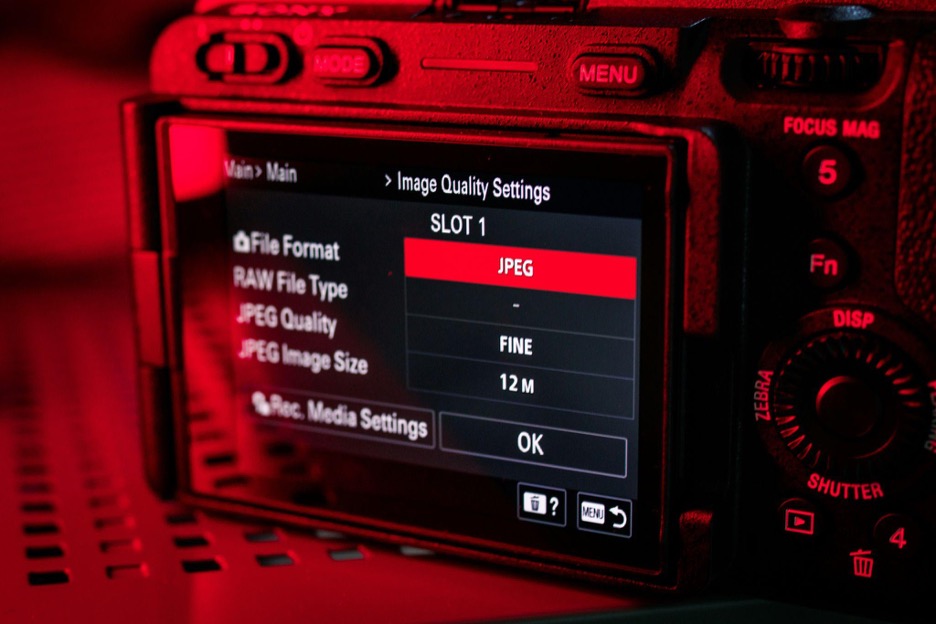
Across thousands of images, EXIF patterns can surface tendencies that are hard to see shot-by-shot.
A 15-Minute-Per-Shoot Workflow
Before the shoot, configure your import preset. On ingest, let the preset run and add job-specific keywords. During culling, apply star ratings. During editing, keyword your selects at a more detailed level. Before delivery, check that copyright metadata survives your export settings and that XMP sidecars are being written.
This adds roughly 15 minutes per shoot and produces a searchable archive with copyright information intact.